Wire appearance
These are the unique cosmetic features of wires in Brickadia.
Summary
- They glow in the dark
- They have arrows when you equip the Connector
- Their colors represent various data types
Wire glow
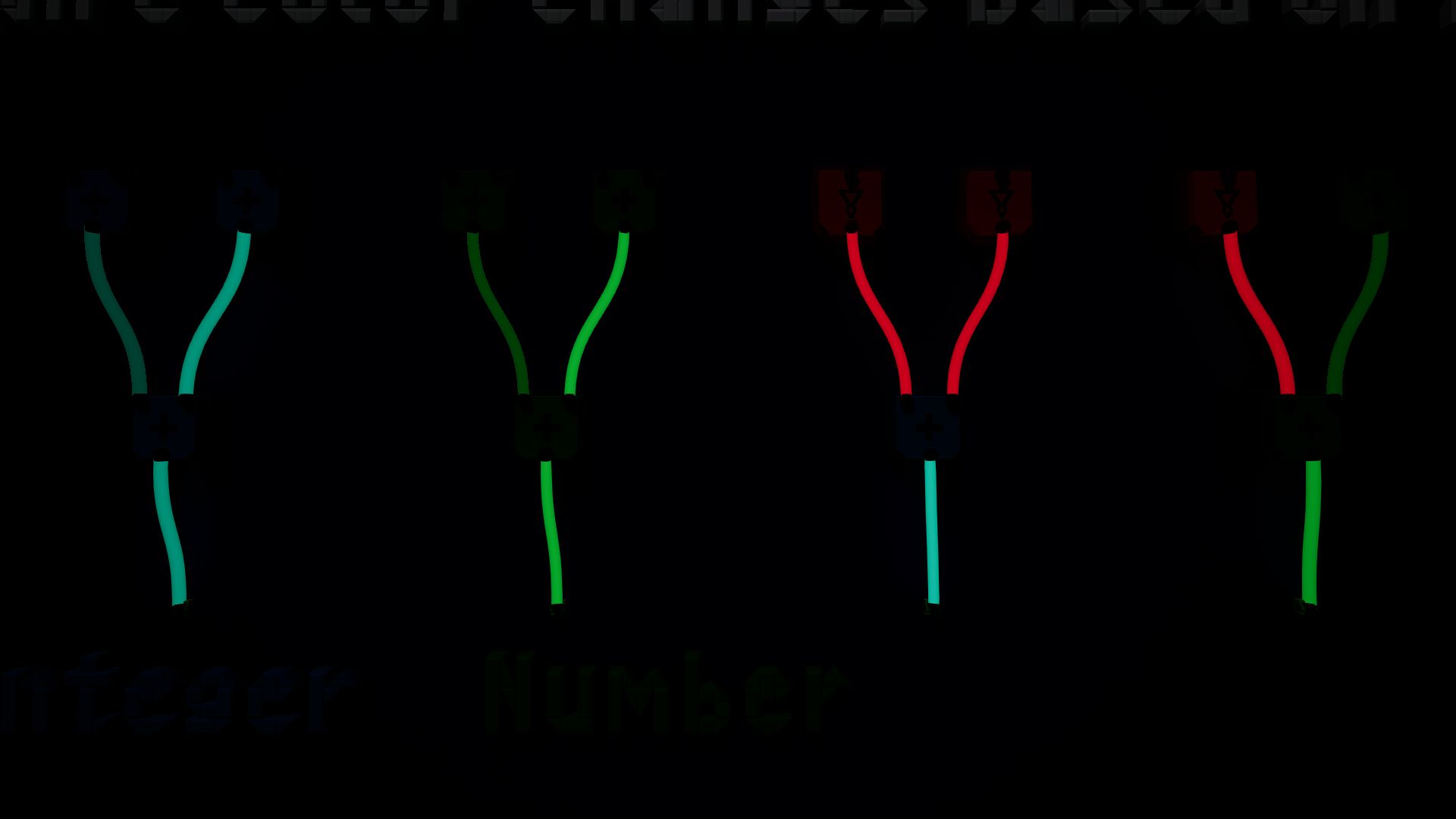
Wires glow in the dark, which allows them to be visible in dark environments, e.g. at night, in the void, etc.
Wire arrows
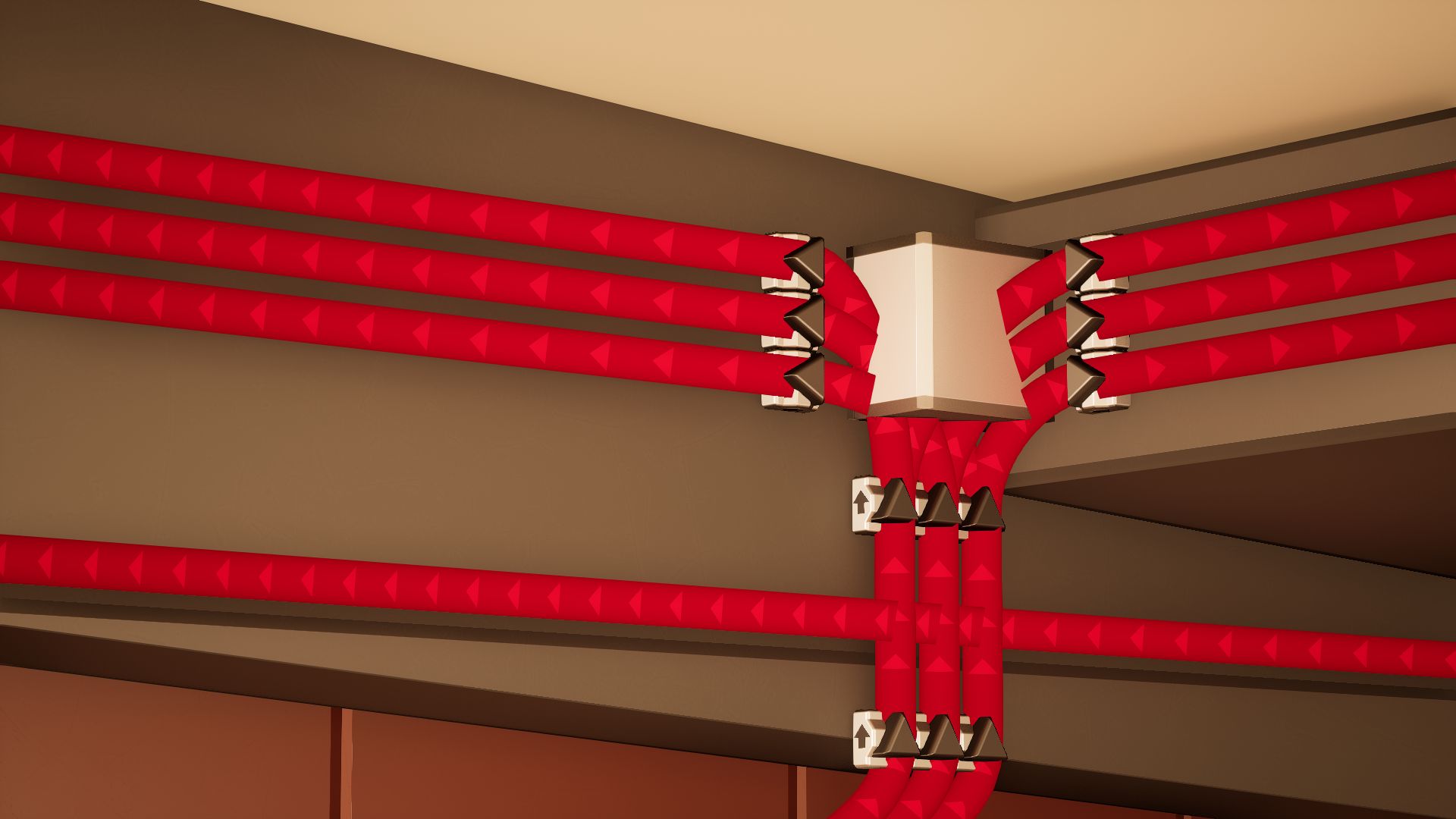
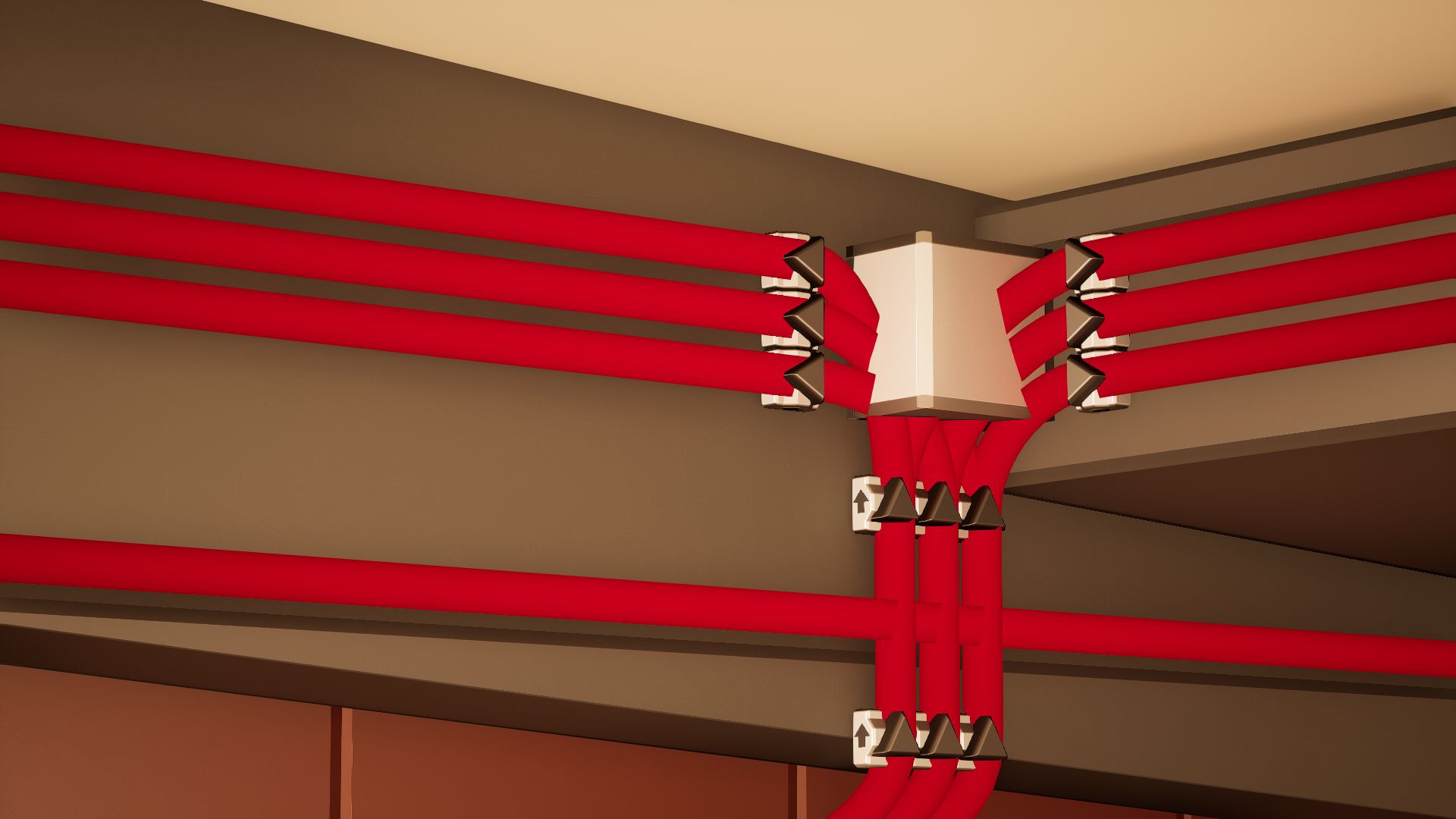
Wires will show arrows pointing towards their inputs when you equip the Connector. These arrows are not visible in normal play. They guide you towards the next input they are connected to.
Wire colors
There are various wire colors in Brickadia which signify data types. If applicable, the color of wires will also be lighter or darker depending on the value of the output being carried.
The prefab below assists with understanding wire colors.
-
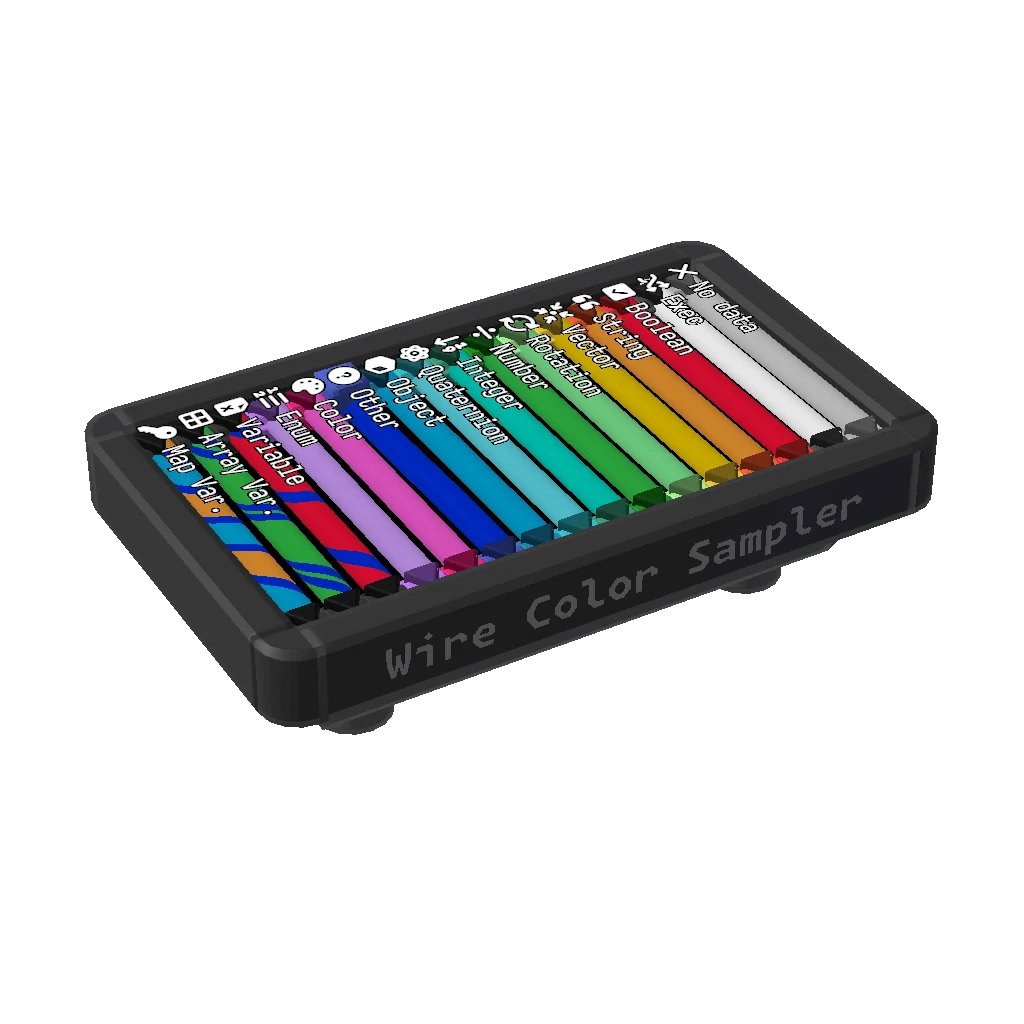
Wire Color Sampler
This compact prefab has a sample of every wire color for each data type that you can access. You can carry and reference this anywhere you go.
Other variable/array/map types are not included due to redundancy.
View in Gallery Share code:
338-682-81f
Unconnected wires
Unconnected wires have a gray color.
{{wire_display(10, None)}}
Boolean
Wires carrying {{var_display(None,"boolean")}} data have a red coloring of varying brightness depending on the value itself.
| Value | Wire Color |
|---|---|
| {{var_display(False,"boolean")}} | {{wire_display(10, "boolean", "false")}} Dark red |
| {{var_display(True,"boolean")}} | {{wire_display(10, "boolean", "true")}} Red |
Integer
Wires carrying {{var_display(None,"integer")}} data have a bluish green coloring of varying brightness depending on the value itself.
| Value | Wire Color |
|---|---|
| {{var_display("0","integer")}} or lower | {{wire_display(10, "integer", "zero")}} Dark bluish green |
| {{var_display("1","integer")}} | {{wire_display(10, "integer", "one")}} Bluish green |
| {{var_display("2","integer")}} or higher | {{wire_display(10, "integer", "two")}} Bright bluish green |
Float
Wires carrying {{var_display(None,"float")}} data have a green coloring of varying brightness depending on the value itself.
| Value | Wire Color |
|---|---|
| {{var_display("0.00","float")}} or lower | {{wire_display(10, "float", "zero")}} Dark green |
| {{var_display("0.50","float")}} | {{wire_display(10, "float", "half")}} Green |
| {{var_display("1.00","float")}} or higher | {{wire_display(10, "float", "one")}} Bright green |
String
Wires carrying {{var_display(None,"string")}} data have an orange color.
{{wire_display(10, "string")}}
Vector
Wires carrying {{var_display(None,"vector")}} data have a yellow color.
{{wire_display(10, "vector")}}
Rotation
Wires carrying {{var_display(None,"rotation")}} data have a light green color.
{{wire_display(10, "rotation")}}
Quaternion
Wires carrying {{var_display(None,"quaternion")}} data have a light cyan color.
{{wire_display(10, "quaternion")}}
Object/Reference
Wires carrying {{var_display(None,"object")}} data have a cyan-blue color.
{{wire_display(10, "object")}}
Color
Wires carrying {{var_display(None,"color")}} data have a pink color.
{{wire_display(10, "color")}}
Enum
Wires carrying {{var_display(None,"enum")}} data have a light purple color.
{{wire_display(10, "enum")}}
Exec
Wires carrying {{var_display(None,"exec")}} paths have a dark gray color.
When an Exec output is triggered, all outgoing wires carrying the Exec output will flash light gray for one tick.
| Value | Wire Color |
|---|---|
| {{var_display("Off","exec")}} | {{wire_display(10, "exec", "off")}} Dark gray |
| {{var_display("On","exec")}} | {{wire_display(10, "exec", "on")}} Light gray |
Non-standard data types
Blue is a color often used for non-standard data types that are not colored by a specific criteria.
{{wire_display(10, "blue")}}
Variable references
Wires carrying variable references will inherit their variable's data type color with single blue stripes added.
| Data Type | Wire Color |
|---|---|
| {{var_display(None,"boolean","var-ref")}} | {{wire_display(10, "boolean", "true", "var-ref")}} |
| {{var_display(None,"integer","var-ref")}} | {{wire_display(10, "integer", "two", "var-ref")}} |
| {{var_display(None,"float","var-ref")}} | {{wire_display(10, "float", "one", "var-ref")}} |
| {{var_display(None,"string","var-ref")}} | {{wire_display(10, "string", None, "var-ref")}} |
| {{var_display(None,"vector","var-ref")}} | {{wire_display(10, "vector", None, "var-ref")}} |
| {{var_display(None,"rotation","var-ref")}} | {{wire_display(10, "rotation", None, "var-ref")}} |
| {{var_display(None,"quaternion","var-ref")}} | {{wire_display(10, "quaternion", None, "var-ref")}} |
| {{var_display(None,"object","var-ref")}} | {{wire_display(10, "object", None, "var-ref")}} |
| {{var_display(None,"color","var-ref")}} | {{wire_display(10, "color", None, "var-ref")}} |
| {{var_display(None,"enum","var-ref")}} | {{wire_display(10, "enum", None, "var-ref")}} |
Array variable references
Wires carrying array variable references will inherit their variable's data type color with double blue stripes added.
| Data Type | Wire Color |
|---|---|
| {{var_display(None,"boolean","array-ref")}} | {{wire_display(10, "boolean", "true", "array-ref")}} |
| {{var_display(None,"integer","array-ref")}} | {{wire_display(10, "integer", "two", "array-ref")}} |
| {{var_display(None,"float","array-ref")}} | {{wire_display(10, "float", "one", "array-ref")}} |
| {{var_display(None,"string","array-ref")}} | {{wire_display(10, "string", None, "array-ref")}} |
| {{var_display(None,"vector","array-ref")}} | {{wire_display(10, "vector", None, "array-ref")}} |
| {{var_display(None,"rotation","array-ref")}} | {{wire_display(10, "rotation", None, "array-ref")}} |
| {{var_display(None,"quaternion","array-ref")}} | {{wire_display(10, "quaternion", None, "array-ref")}} |
| {{var_display(None,"object","array-ref")}} | {{wire_display(10, "object", None, "array-ref")}} |
| {{var_display(None,"color","array-ref")}} | {{wire_display(10, "color", None, "array-ref")}} |
| {{var_display(None,"enum","array-ref")}} | {{wire_display(10, "enum", None, "array-ref")}} |
Map variable references
Wires carrying map variable references will inherit both the color of the key data type and the main value data type with singular blue stripes separating them.
A few examples:
| Data Type | Wire Color |
|---|---|
| {{var_display(None,"boolean","map-ref","integer")}} | {{wire_display(10, "boolean", "true", "map-ref", "integer")}} |
| {{var_display(None,"float","map-ref","string")}} | {{wire_display(10, "color", "two", "map-ref", "string")}} |
| {{var_display(None,"enum","map-ref","object")}} | {{wire_display(10, "enum", "one", "map-ref", "object")}} |