Movement
For beginners, movement is the one of the most important ways to interact with worlds in Brickadia. Everything below is what you need to know about navigating the world around you.
Walking
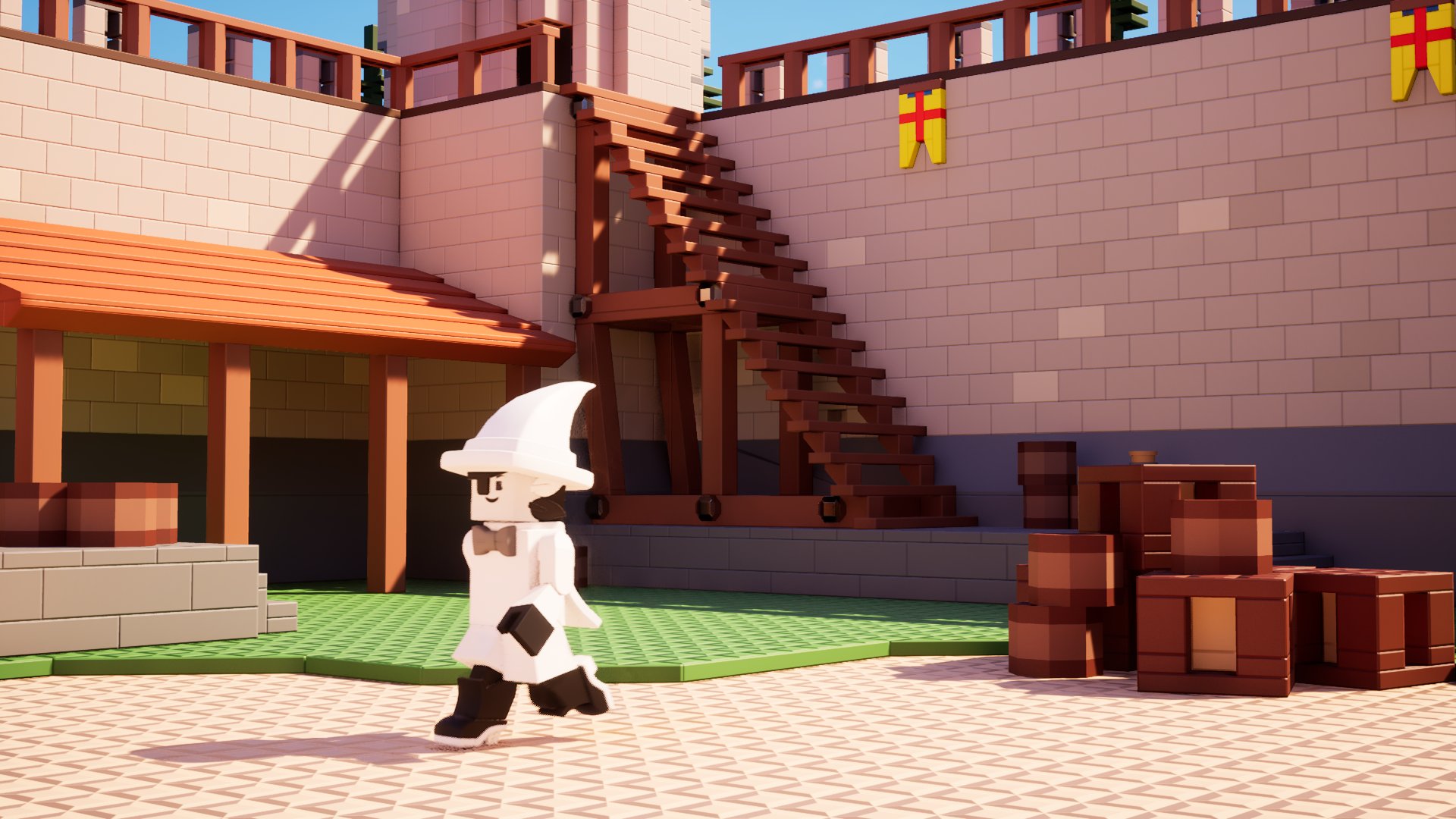
The WASD control scheme is used for walking on keyboard.
- Press W to go forward.
- Press S to go backward.
- Press A to go left.
- Press D to go right.
The movement is smooth on stairs because the player has a capsule collider, which means the top and bottom of the cylinder is round.
Slower walking
To lower your walkspeed, hold C while you are walking. This makes your walking sounds quieter but still audible.
Jumping
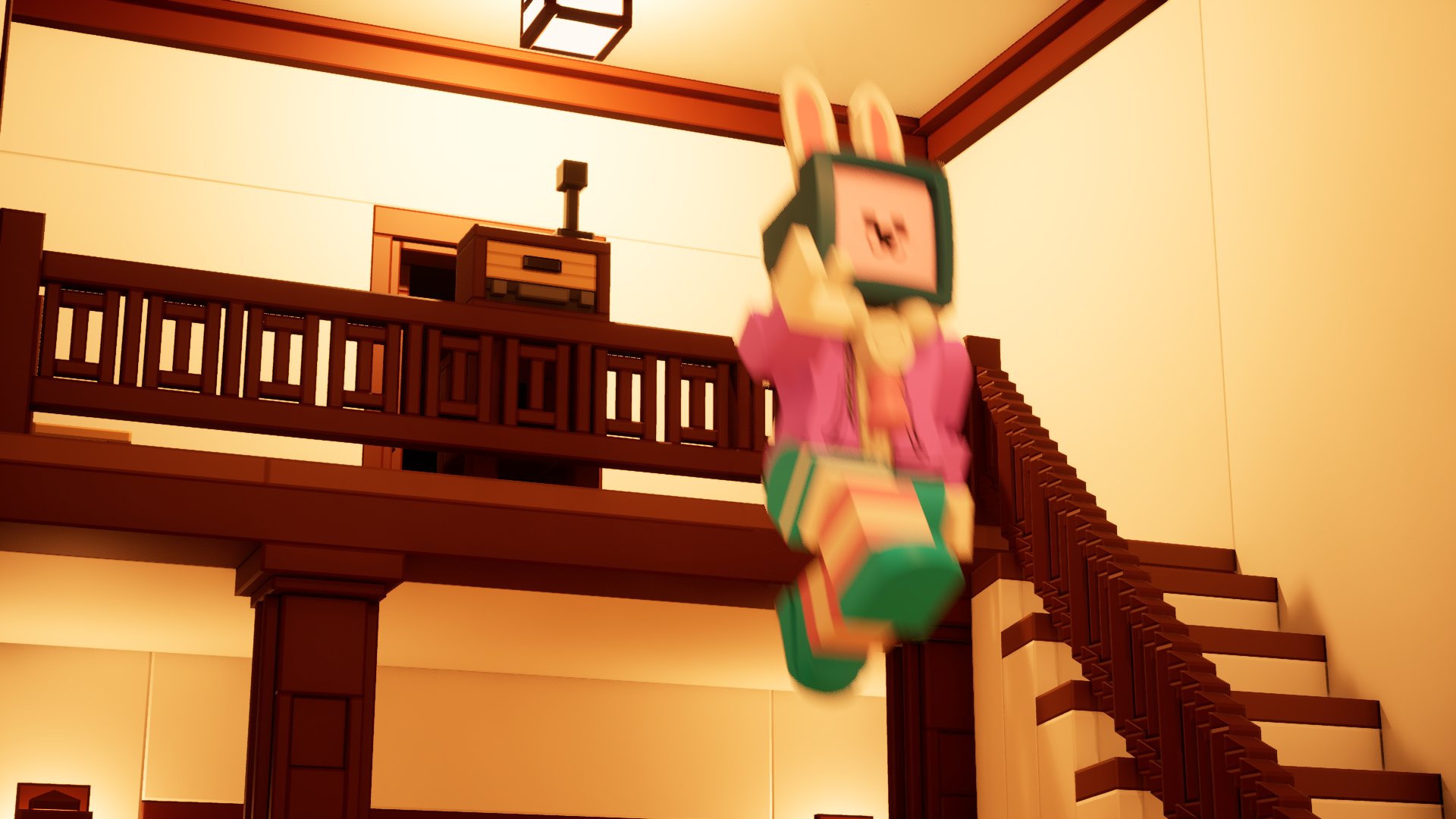
To jump, press Space.
Jumping allows you to get up places that aren't too high.
Jumping also allows you to cross from a place to another if the gap is small enough to jump across.
Crouching / Ducking
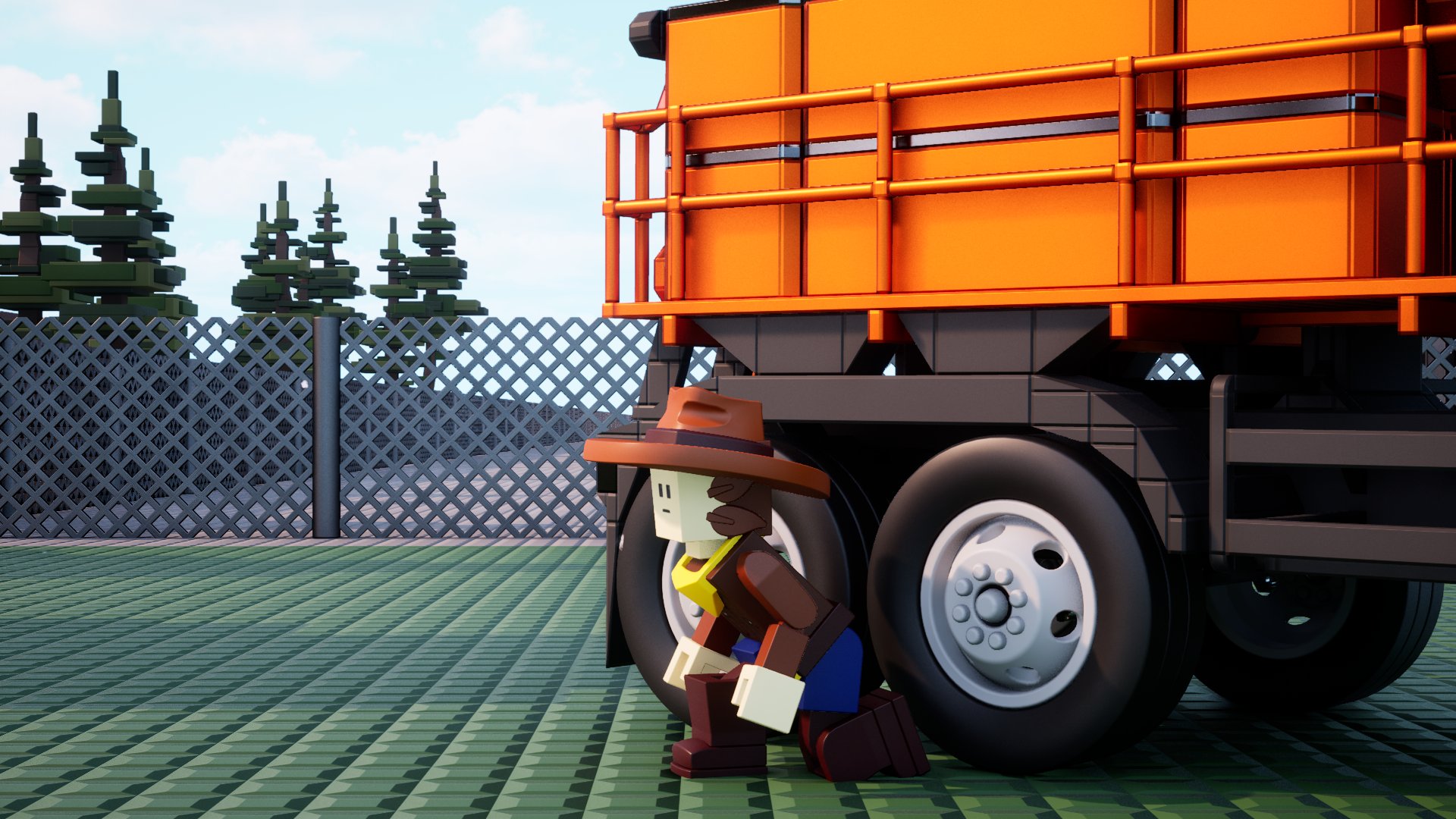
To crouch under objects, hold Left Shift while you are walking.
Crouching "shrinks" your character down, giving them the ability to move under smaller gaps provided they are not lower than 9 plates.
This also silences the walking sounds at the cost of your walk speed being reduced.
Sprinting
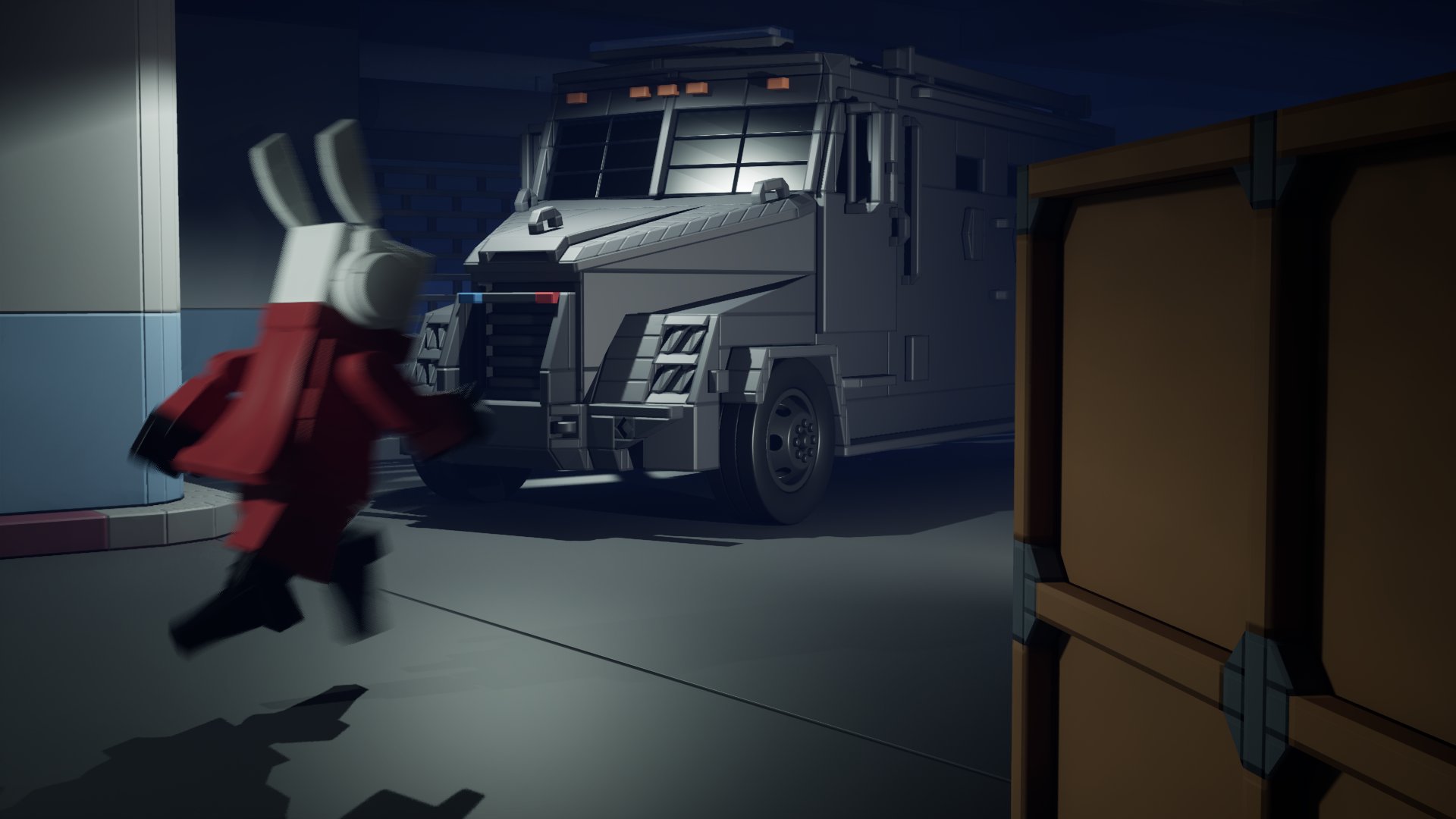
First, be aware that the "Tap To Sprint" setting is on by default. If you prefer holding the key to sprint, you can change this setting.
To disable the "Tap To Sprint" setting:
- Open the options menu in the main menu or the pause menu.
- Navigate to the controls menu.
- Look for the "Control Settings" header. Find the "Tap To Sprint" option under the same header.
To sprint and gain walk speed, tap Left Ctrl only once to keep sprinting until you stop moving.
After you stop moving, you will be required to tap Left Ctrl if you want to sprint again.
To sprint and gain walk speed, hold Left Ctrl while you are walking.
Sprinting is very beneficial when you demand that extra speed for better jumping.
The drawback is that sprinting makes your walking sounds louder.
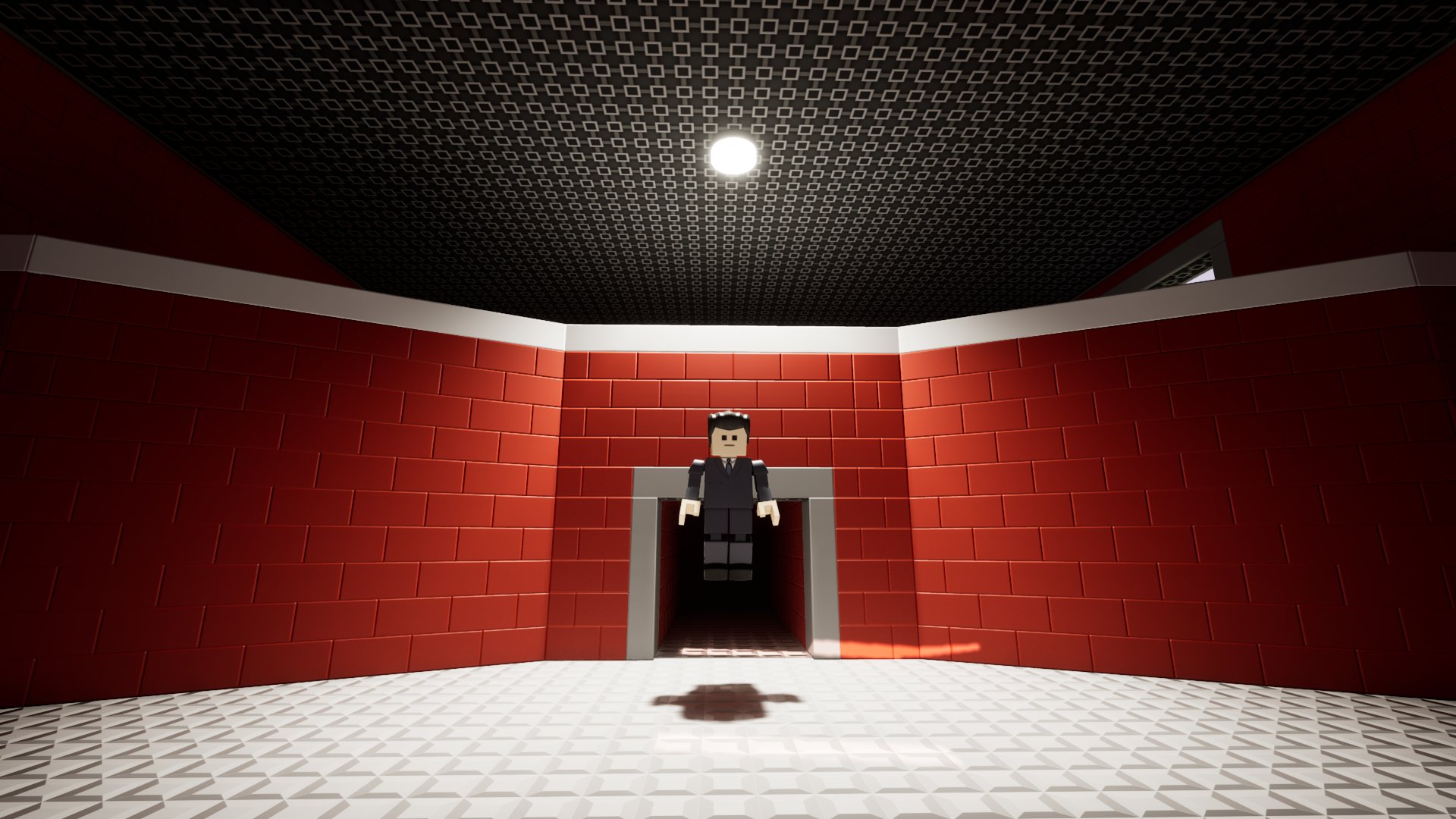
Flying
Note
May be disabled on worlds and servers where flying and by extension, ghosting, gives you an unfair advantage.
To fly around the world, press V.
You will no longer fall down and can reach practically any place you want. Physical limitations and obstacles still apply.
Holding Left Ctrl, the run key, makes you even faster.
Ghosting
Hold Left Alt and press V to toggle ghosting.
Ghosting gives you the freedom to bypass any physical limitations you would still have if you only turned on flying. For example, you can now pass buildings made of bricks without colliding with them.
This functionality is similar to noclipping, a popular term for this kind of mode in games.
Enabling ghosting will enable flying if it is not active to avoid accidental falls into the void. Conversely, disabling flying will also disable ghosting if it is active.